
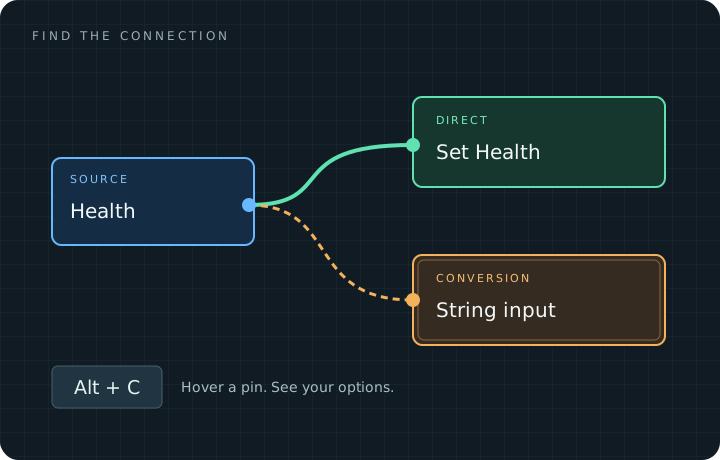
Find your way through the graph.
Less searching. More understanding.
Section titled “Less searching. More understanding.”Keep the connection in view, whether you are finding a compatible pin or following a wire across a large graph. Inspection and navigation leave your Blueprint connections unchanged.
A quick route into the workflow
Section titled “A quick route into the workflow”- Inspect a pin. Hover it and press Alt+C, or use its right-click menu.
- Navigate a result. Focus compatible targets with Alt+Left / Alt+Right.
- Follow a wire. Click it, then use Alt+Shift+Left / Right to continue.
Start with the guided walkthrough →
Fits into your editor
Section titled “Fits into your editor”Use the Blueprint toolbar to open Assistant. Customize colors and shortcuts in Editor Preferences. No account, external service, or additional marketplace plugin is needed.
The current target is Unreal Engine 5.8 on Windows, using standard Blueprint K2 graphs. Tracing follows physical connections inside one graph; it does not inspect runtime values or automatically enter functions and macros. Read the compatibility notes.
First release in preparation
Section titled “First release in preparation”This site documents the preview candidate. The Fab purchase link and recorded feature demonstrations will be added as release preparation is completed. The graph artwork above is a conceptual illustration.
Installation guide · Connection examples · Keyboard shortcuts · Contact Khizido