
Conversion preview
Preview a conversion
Section titled “Preview a conversion”- Highlight compatible pins with Alt+C or start dragging a wire.
- Hover an orange target pin.
- Inspect the conversion information when a preview is available.
- To make the connection, complete Unreal’s normal wire drag onto the target.
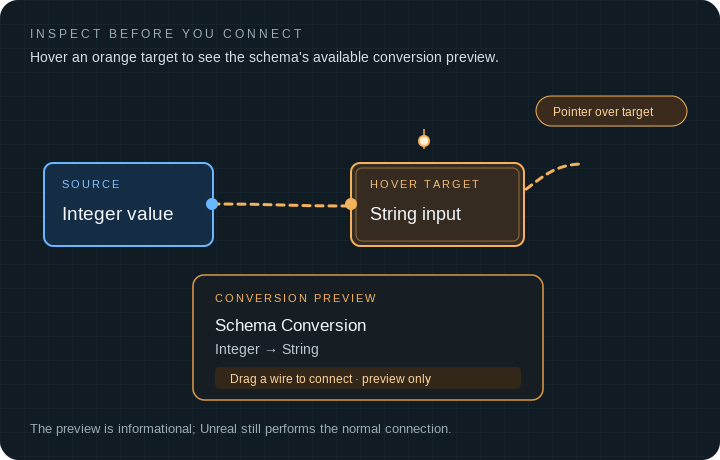
The preview is a visual aid. It does not create or save a node.
Understand the result
Section titled “Understand the result”A conversion target means the Blueprint schema reported a conversion or type-promotion path. Some results do not resolve to a specific previewable conversion node. A preview does not guarantee that Unreal will insert exactly the displayed node in every context.
If the preview is hard to see
Section titled “If the preview is hard to see”Check Conversion preview in the panel or Editor Preferences. Near a graph edge, native pin tooltips may overlap the preview. Pan the graph or move the pointer to inspect it.